Your intent is everything: Reconstructing specs from vibe coding sessions
By Andrey Breslav
Today we release CodeSpeak 0.3.6. Please find the full release notes at the end of this post.
This release is bringing three main new features:
codespeak takeoverreads Claude Code sessions to build better specs,codespeak coverageis now language-agnostic and relies on the universal LCOV format- Anthropic-compatible models providers like z.ai can now be used with CodeSpeak
Here at CodeSpeak, human intent is what matters. We believe that the future of programming is all about focusing on high-level blueprints of what software we want to build. The power of LLMs lies with being able to fill in a lot of gaps without necessarily being instructed to. In other words, many things that have always been obvious to humans are now obvious to machines as well. And thus we don't have to tediously spell out every little detail, but can focus on what's essential: the non-trivial, the differentiating, the interesting.
Vibe coding is great for exploration, ideation, for prototyping, for going from a vague feeling of "what if we try something like this" to having a clear understanding. In other words, vibe coding is great up to a point. It helps us to overcome the blank canvas problem, and to understand what we want.
To summarise, dialog-based coding agents are good tools for intent elicitation and exploration. But there's an annoying gap...
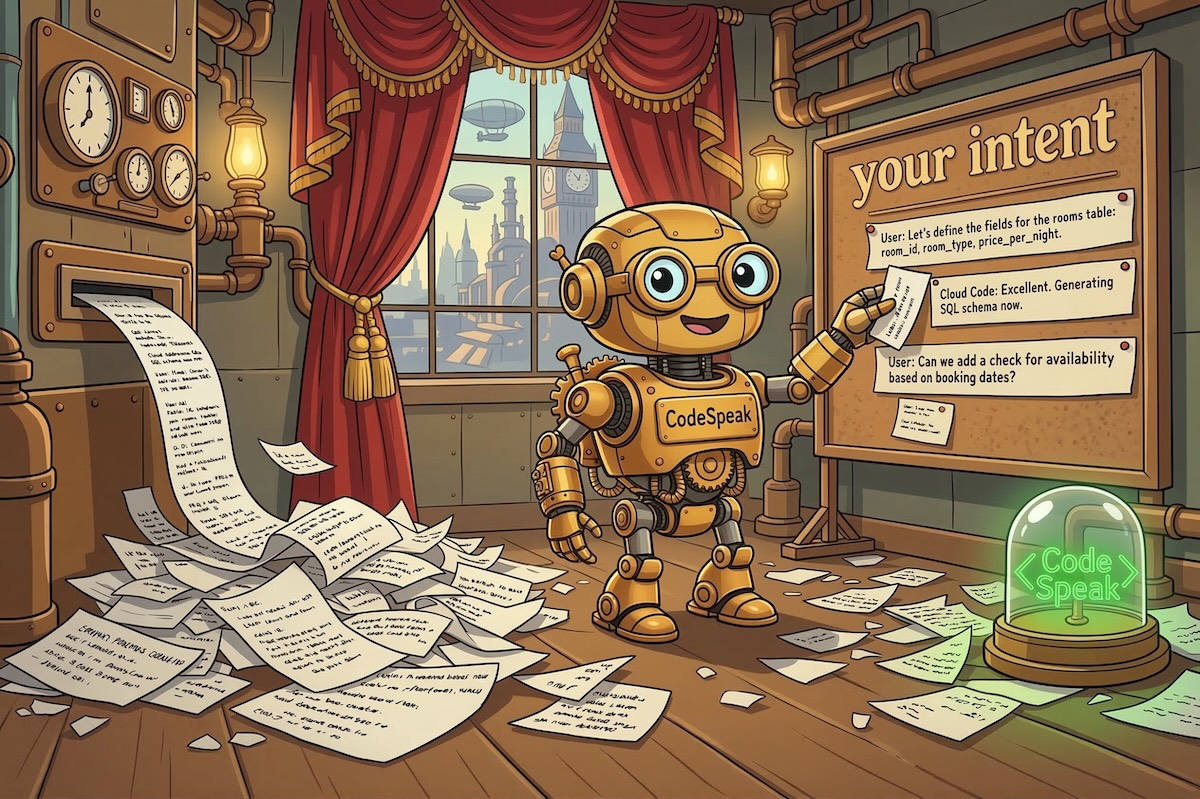
After a few fruitful vibe coding sessions, what are we left with?
- working prototype (maybe not perfect, but it sure feels real and inspires confidence),
- a long chat history...
The history contains all the intent that you have formulated, but it's scattered across many messages, some of which are corrections to the previous ones, some are dead ends, some make no sense out of context, and some are just answers to AskUserQuestion tool... So, in two weeks, will you be able to reconstruct this intent? Probably. But it will be hard to remember everything unless you go through every message in chat history.
Introducing codespeak takeover
In CodeSpeak, takeover is a command that helps you migrate from the code level to the spec level. Specs are often 5-10 times shorter, because they are more high-level, yet changing the spec and running codespeak build is enough to evolve the underlying code. This is why, in existing, or brownfield, projects, you can use codespeak takeover to extract the necessary information from existing code once, and then proceed to maintaining this spec, and not the code. Our goal is to eventually build a world where you don't need to look at the code at all, even to review it. But that's a story for another day.
Takeover meets vibe coding sessions
We started by looking at code alone and reconstructing intent from it. It worked, but we knew we could do better.
In this version, we are going beyond code: codespeak takeover will look at your sessions with Claude Code, and incorporate your own words into the specs it generates. This is a very early version, and we hope to make it a lot smarter, but you can already see a difference.
How to try it
Install CodeSpeak first (if you already have it, run uv tool upgrade codespeak-cli).
Prerequisites
Install uv
CodeSpeak uses uv as its Python package manager.
curl -LsSf https://astral.sh/uv/install.sh | shRestart your terminal (or run source ~/.bashrc / source ~/.zshrc), then verify:
uv --versionGet an Anthropic API key
CodeSpeak is BYOK (Bring Your Own Key). Get an API key at platform.claude.com/settings/keys.
You can provide the key in two ways:
- Paste it when CodeSpeak prompts you (this creates an
.env.localfile in your project directory) - Set the environment variable:
export ANTHROPIC_API_KEY=<your-key>
Install CodeSpeak
uv tool install codespeak-cliVerify the installation:
codespeak --versionLog in
codespeak loginLog in with Google or email/password.
If CodeSpeak has not been used in your project yet, initialise it by running:
codespeak initPick a source path (one or more files or directories) to define the scope of the spec being generated:
codespeak takeover src/app/my-subsystemCodeSpeak will ask your permission to look at ClaudeCode sessions:
CodeSpeak can read your Claude Code session history to better understand
the intent behind your code. Is this fine?

[Y] Allow  [N] Not now  [D] No, never

Your choice: Y
Your choice will be recorded in ~/.codespeak/preferences.json on a per-project basis.
Takeover will discover your sessions and give you a preview of some of the messages during the build and at the end:
╭───────────────────────────────────── CodeSpeak Progress ─────────────────────────────────────────╮
│ ✓ Extract specification (2m 34s)                                                                 │
│ ╰─ ✓ Analyze Claude Code sessions (0.0s) - 24 sessions, 150 prompts:                             │
│            "Implement @ideation/blog.md  Plan first",                                            │
│            "react-dom-client.development.js:5530 Uncaught Error: Hydration failed because...",   │
│            "It should be a human-readable error in dev mode, not 404, and the prod build ...",   │
             and 147 more                                                                          │
│ ╰─ ✓ Write specification (2m 34s)                                                                │
│    ╰─ ✓ Collect context & plan work (2m 34s)                                                     │
│ ✓ Register extracted specification in the project (0.6s)                                         │
╰────────────────────────────────────── Alpha Preview ─────────────────────────────────────────────╯
App built successfully.
Specification written to src/app/blog.cs.md
Used 24 Claude Code sessions with 150 prompts:
  "Implement @ideation/blog.md  Plan first"
  "react-dom-client.development.js:5530 Uncaught Error: Hydration failed because the server rendered..."
  "It should be a human-readable error in dev mode, not 404, and the prod build should fail"
  and 147 more
The resulting spec will contain information from both your code and the sessions that CodeSpeak discovers.
Current limitations
Keep in mind that this is a very early version of takeover. We intend to extend it quite a lot in future releases:
- support generating more than one spec file,
- support other agents than Claude Code,
- make specs cleaner and crispier,
- make sure that the spec doesn't miss anything important and doesn't include anything unnecessary,
- make sure that if we delete the code, an equivalent implementation can be generated from the spec (passing all the tests, etc),
- verifying that, when editing the spec, we can generate adequate changes in the code (spec diff -> code diff),
- ideally, also maintaining good test coverage to make sure everything keeps working over time.
Language-agnostic tool for improving test coverage
The codespeak coverage tool introduced in a recent release is getting better and is now language-agnostic (it used to only support Python).
When you run
codespeak coverage --auto-configureit now detects what language ans test framework you are using and writes the necessary commands into the CodeSpeak config files to
- detect which files contain tests and which are to be tested,
- run tests with coverage and save the results in the LCOV format.
Now, running
codespeak coverage --target 100 --max-iterations 5will identify missing test cases in the files managed by your specs and add them until coverage is at 100%.
See the coverage tutorial for more details.
Using Anthropic-compatible model providers with CodeSpeak
A number of alternative providers support the Anthropic API, and we are happy to provide an option to use them with CodeSpeak. For security reasons, we have a whitelist of allowed providers which we will extend as we discover new ones. If your provider is not on the list please ping us on Discord and we'll add them if we can.
To use an Anthropic-compatible model provider, set the ANTHROPIC_BASE_URL variable:
export ANTHROPIC_BASE_URL="https://api.z.ai/api/anthropic"Note: Make sure your Anthropic API key configuration (.env.local file or similar) is not interfering with your setup. Alternative providers use their own keys.
Either change ANTHROPIC_API_KEY in your .env.local file or set the ANTHROPIC_API_KEY env variable to the alternative provider's key.
Conclusion
It's been an exciting week at CodeSpeak. New features are coming, and we are seeing more users trying out our tools. Your feedback is greatly appreciated! Please join our Discord to discuss your experience, ask questions, and get support.
We'll be back with more updates next week!
Full Changelog since 0.3.4
New
- The "improve coverage" is now language-agnostic (works with any language).
- Takeover now scans Claude Code sessions, picking up context from prior coding work.
- You can now set
ANTHROPIC_BASE_URLto use an Anthropic-compatible LLM provider. - Prompt caching is now enabled for conversation-based workflows.
- The default model has been updated to Claude Sonnet 4.6.
- Spec files are now protected from accidental overwrites during builds.
- Spec snapshots are stored in the
.codespeakfolder instead of.last-knownfiles, keeping your repo cleaner. - Added a built-in cost cap that can limit spending on a single build (opt-in via configuration).
Bug fixes
- Fixed cancellation not working reliably across all commands.
- Fixed
codespeak change -mrunning the change request twice and sometimes failing. - Fixed a bug in diff calculation that could produce malformed patches.
- Fixed coverage percentage being read from the wrong source.
You might also like
// releaseMarch 24, 2026 Smarter handling of tests and a separate
implcommandNew features: faster builds,
codespeak test, auto-configuration for test runners,codespeak impl// releaseMarch 9, 2026 First step in modularity: Spec dependencies and Managed files
New features: Managed files, Spec dependencies/imports
// releaseMarch 2, 2026 CodeSpeak can improve test coverage in your project
New features: Improve test coverage, Takeover without preconfigured specs
// releaseFebruary 23, 2026 First glimpse of
codespeak takeover: Transition from Code to Specs in Real ProjectsNew features: Extract a spec from existing code, improvements to Mixed Mode and error handling